
DICOM image review
Explore axial images with Education Free. Pro adds multiplanar review and 3D visualization for a broader understanding of anatomy.
Radiotherapy education
Build confidence in radiotherapy imaging and contouring. A focused desktop workspace for learning, review, and working together.
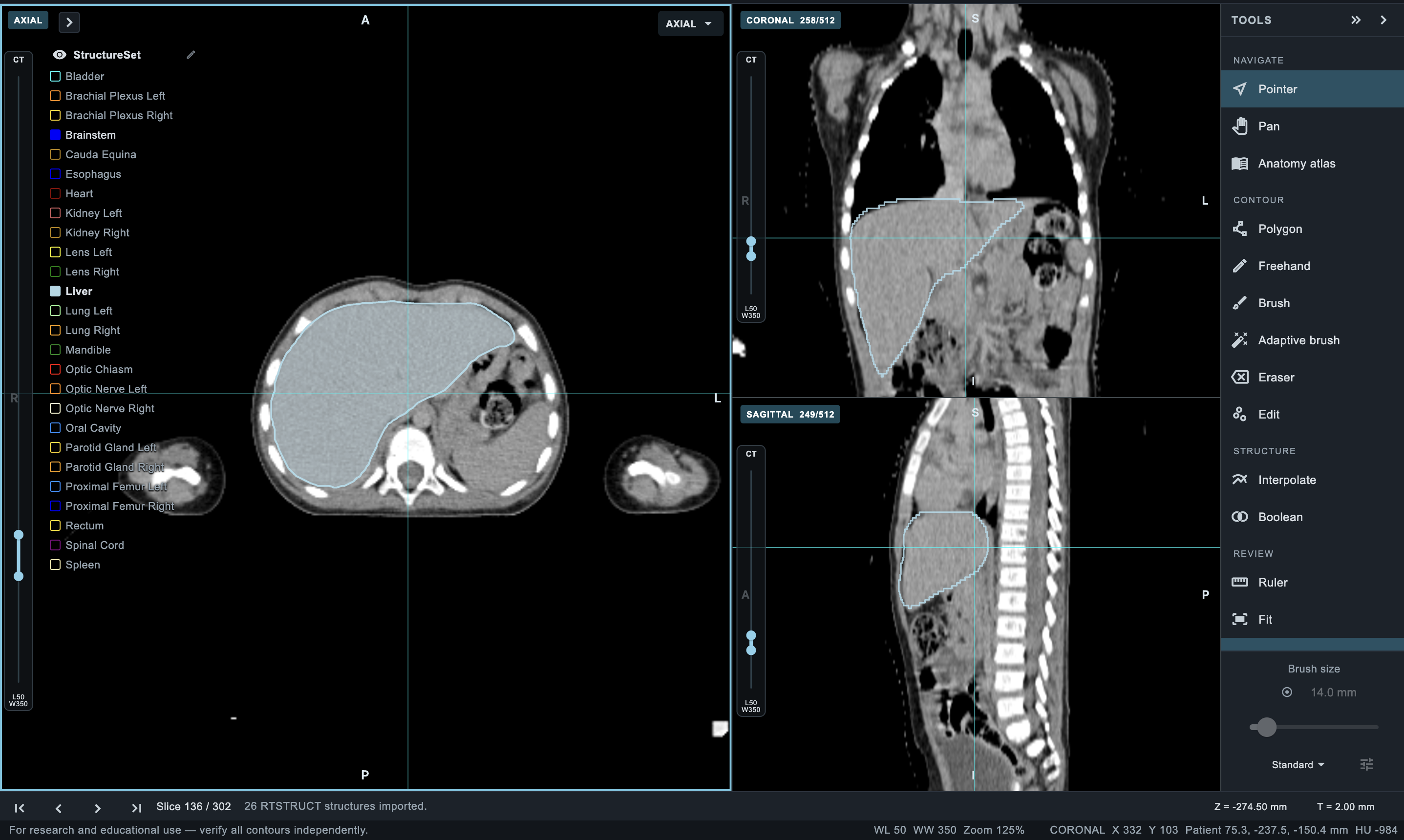
A focused workspace
Explore imaging, practice contouring, and build confidence in an environment designed for education.
Explore axial images with Education Free. Pro adds multiplanar review and 3D visualization for a broader understanding of anatomy.
Import RTSTRUCT with Education Free and practice basic axial contouring. Pro adds precision contouring tools, structure workflows, and RTSTRUCT export.
Review fused images with Pro to explore complementary imaging information in one educational workspace.
Use a visual anatomy reference to help identify structures and build confidence during learning and review.
Learn together
Bring learners and educators into a shared review. Demonstrate techniques, discuss structures, and coordinate feedback with Pro collaboration workflows.
01 Guided demonstrations
02 Peer review and feedback
03 Coordinated learning workflows
Your next step
Start with Education Free and manage your profile in the account portal.
Find available workstation downloads and manage registered devices through your account.
Use de-identified learning materials to practice image review, contouring, and group discussion.
Before you get started
Find the right desktop setup for your ROContour Workstation.
Apple silicon and Intel Macs
64-bit desktop and laptop PCs
These recommendations support a comfortable educational workflow. Larger image series, fusion, and 3D review may require additional memory and storage.
Available platforms depend on the published release. The installer card shows its architecture, minimum OS, and file size.